
Location
Allow location access while using the app. If permission is denied, search or move the map manually.
LithoMap support
Quick answers for location, search, offline maps, and safer field use.
Download LithoMapPut U.S. geology in your pocket.Choose Google Play or the App Store.
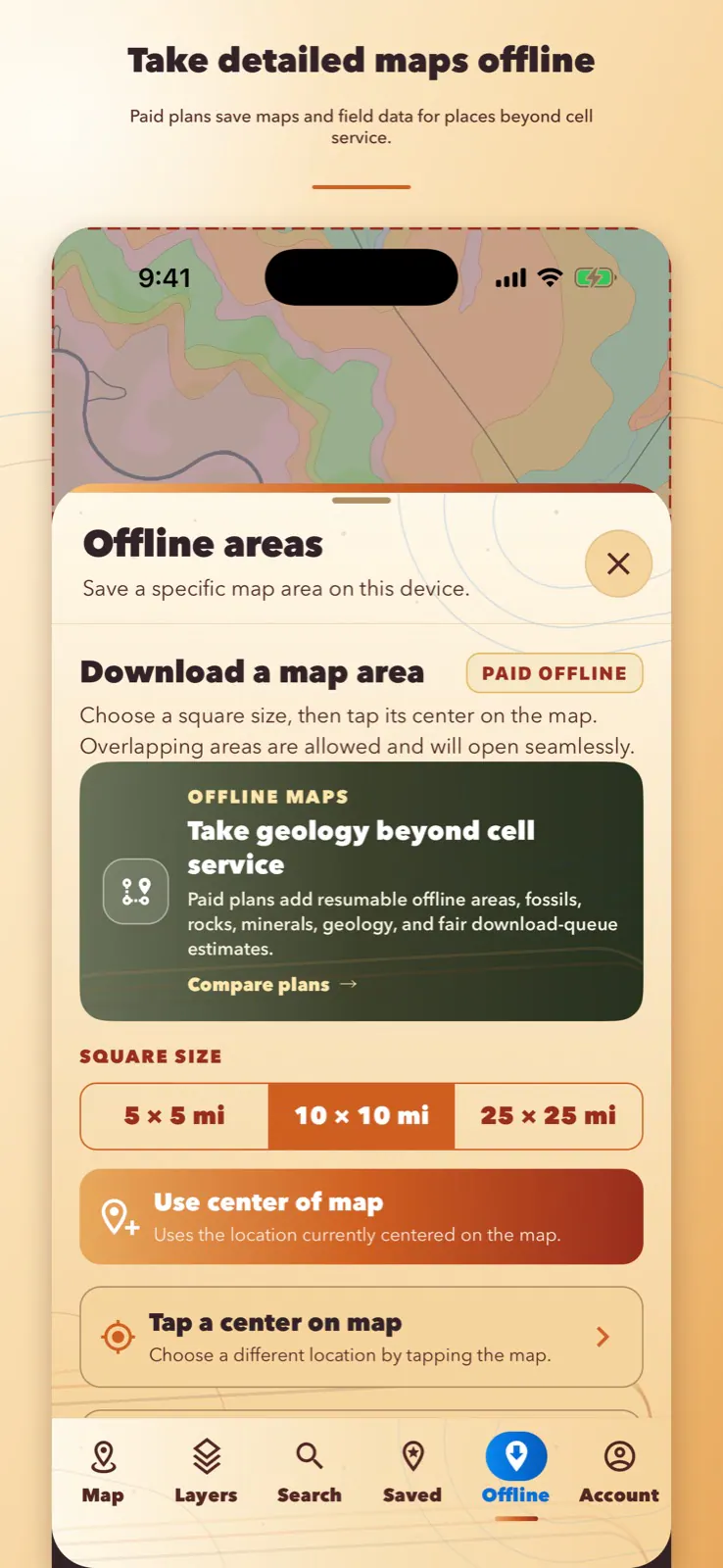
Get back to exploring
Whether a place name has too many matches, a download was interrupted, or you want to confirm an area before a trip, start with the quick answers below. Offline areas are a paid feature.
Allow location access while using the app. If permission is denied, search or move the map manually.
Keep LithoMap open while the download begins. Interrupted downloads can resume; verify the saved area in airplane mode before a trip.
Search while connected, then choose the correct result from the list—especially when several places share a name.
Reconnect, reopen the saved area, and choose Resume. LithoMap preserves completed parts whenever possible so you do not have to begin again.
Paid feature. Plan requirements are shown on the Plans page.
Prepare before the trail
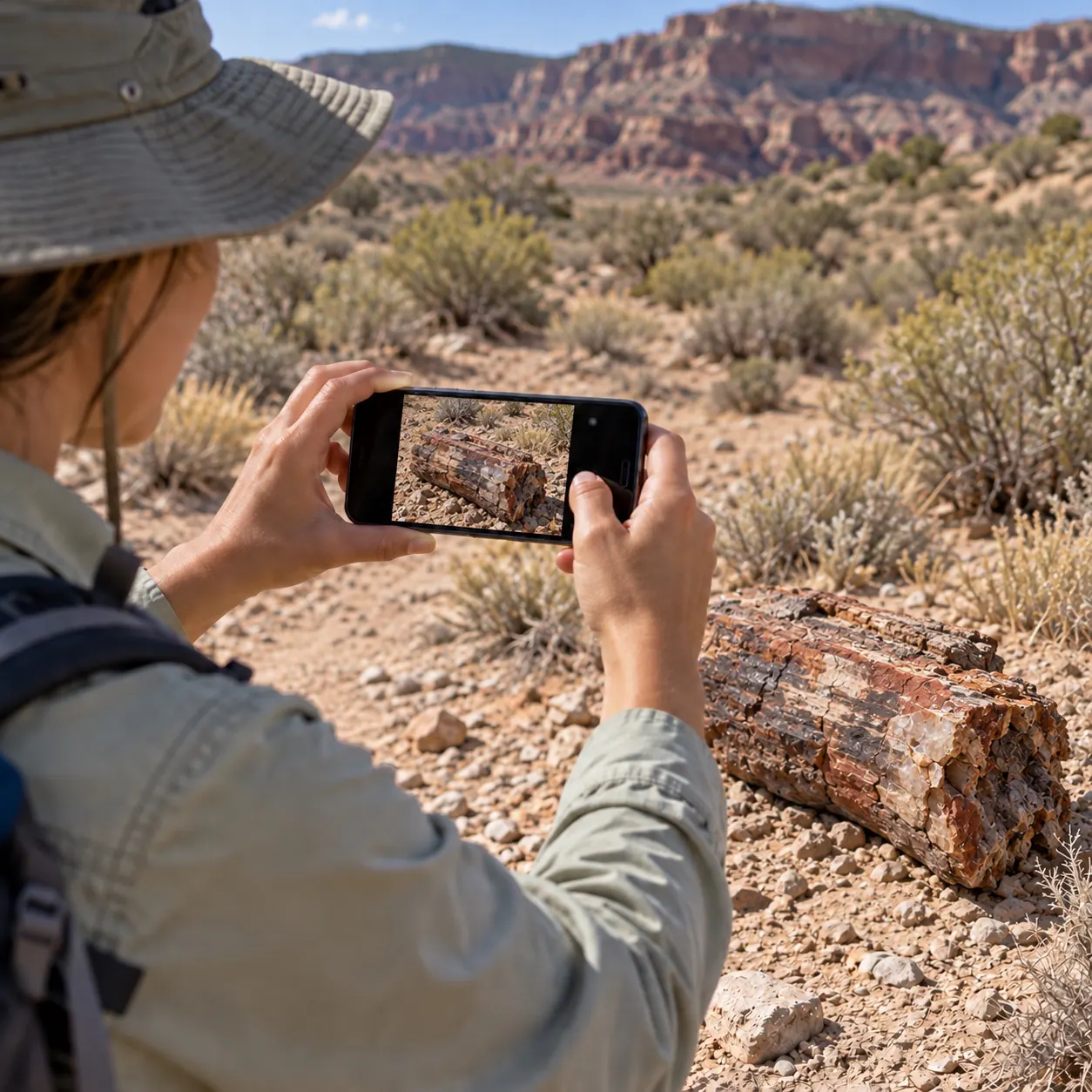
Confirm your location permission, open the map you plan to use, and test any saved offline area before leaving coverage. If something does not look right, support is one email away.
Contact support
For app support, privacy questions, or help with an account-deletion request, email contact@ptwreferrals.com. This page is LithoMap’s permanent support URL.